How To Withdraw Funds
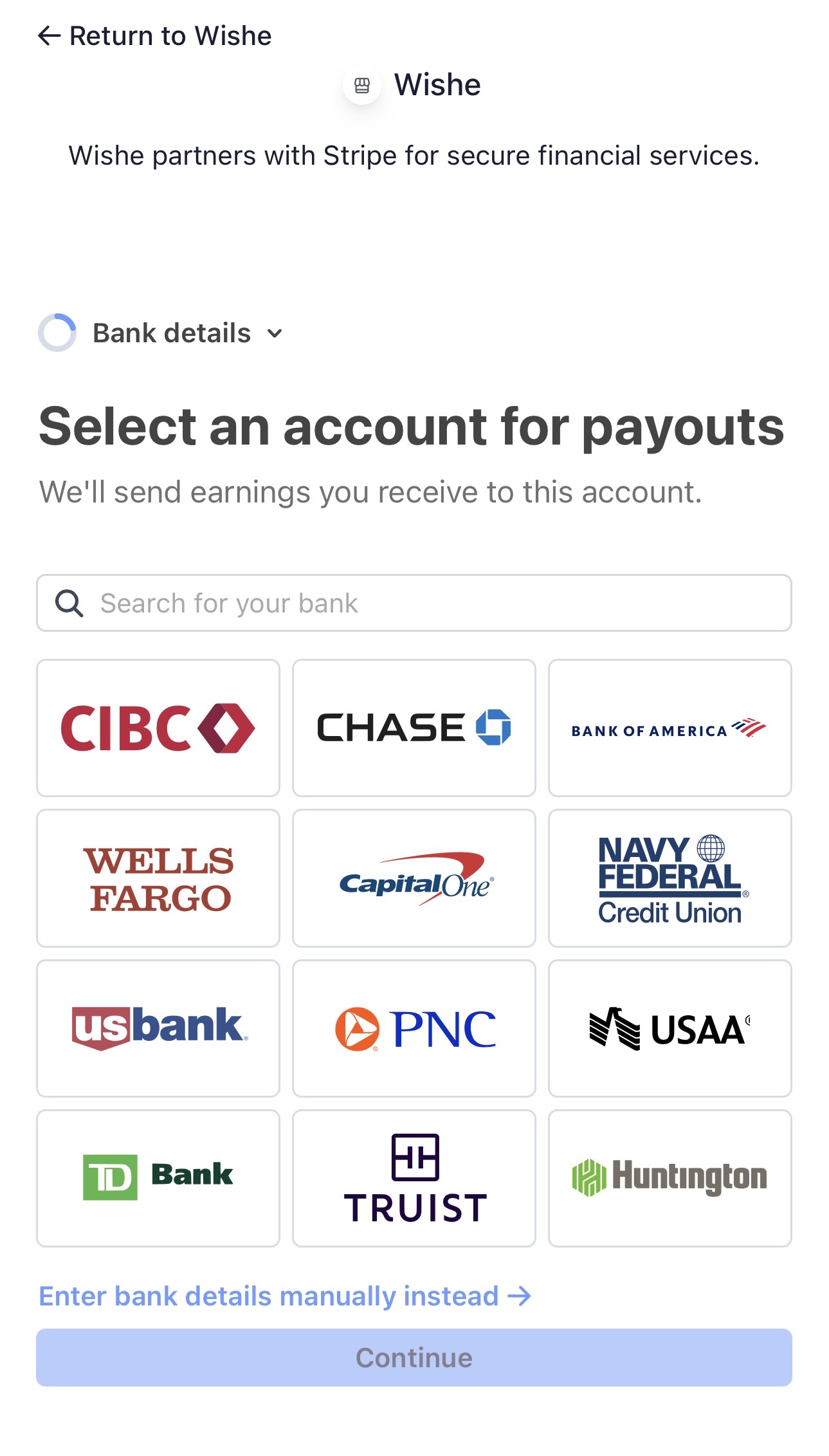
When someone contributes to one of your wishes, those funds become available for withdrawal once the gift is eligible to be paid out. Before withdrawing, you may need to complete Stripe onboarding so payouts can be sent securely to your bank account.
Standard Withdrawal
Choose this option if you do not need the money immediately. Standard withdrawals usually take a few business days to reach your bank.
This option is designed for users who want the complete available withdrawal amount transferred without selecting Stripe instant payout speed.
Instant Withdrawal
Choose this option when you want your money sent as quickly as possible. Instant withdrawals can arrive much faster than standard bank payouts.
Stripe may apply an instant payout fee depending on your bank and region. The exact fee amount should appear before you confirm the withdrawal.
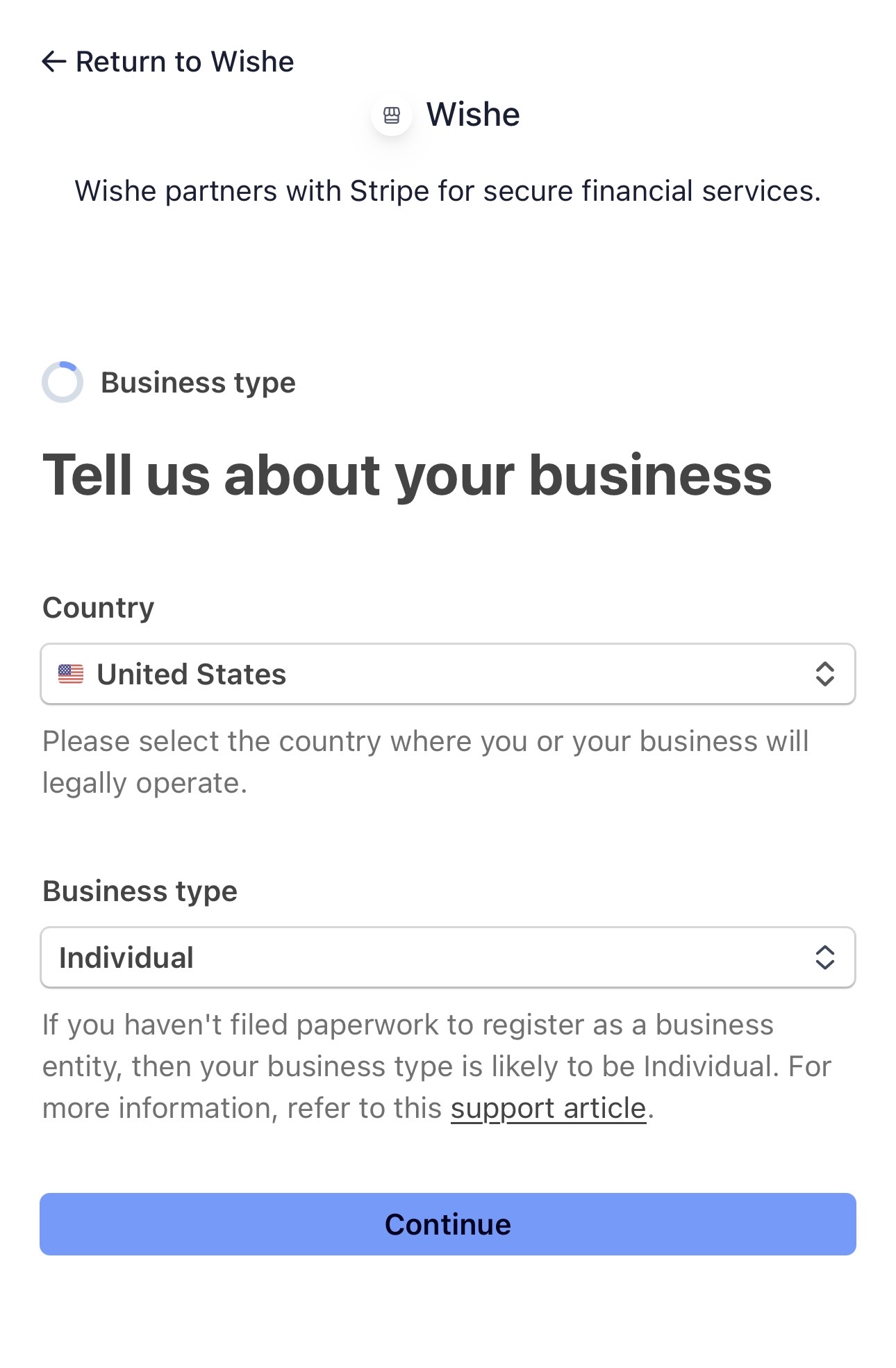
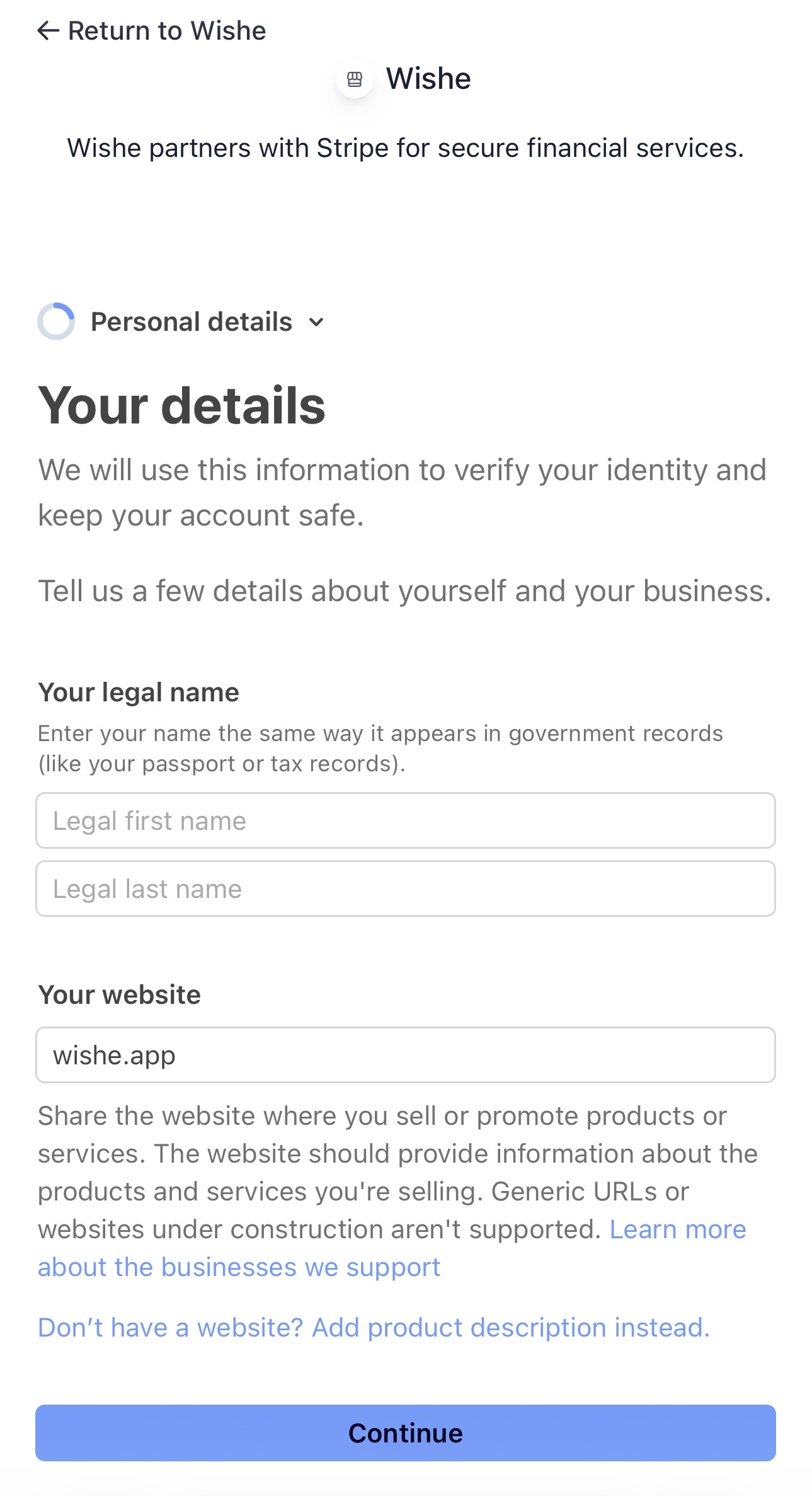
Stripe Setup Steps
We are actively working with Stripe to make this setup process simpler. Because wishe uses a newer gifting and payout model, some onboarding steps may currently be more detailed than we would like. Thank you for your patience while we continue improving the experience.
Stripe may ask for basic details so your identity can be verified and payouts can be sent safely. Some fields may already be prefilled by wishe.
1. Put in your email and phone number if they are not already prefilled.
Withdrawal Steps After Setup
1. From the wishe home screen, press on your profile photo and open your settings.
2. Make sure your Stripe payout account is connected.
3. Choose the fulfilled wish or available balance you want to withdraw from.
4. Select either Instant Withdrawal or Standard Withdrawal.
5. Confirm your withdrawal and wait for Stripe to process the payout to your bank.
Important Note
wishe uses Stripe to process payouts securely. Exact payout timing and instant payout fees may depend on Stripe, your connected bank, your account status, and your location. Before confirming, the app should show which withdrawal option you selected.